Embarking on a journey to master JavaScript for a web development career requires a structured approach and a clear understanding of core concepts. By developing a solid foundation in JavaScript, setting up an effective development environment, and practicing through real-world projects, aspiring developers can significantly enhance their skills and confidence. This process bridges theoretical knowledge with practical application, opening doors to exciting opportunities in the dynamic field of web development.
Through exploring fundamental programming principles, interacting with webpage elements via the DOM, and utilizing modern frameworks and libraries, learners can build interactive and engaging websites. Supplementing learning with reputable resources and hands-on projects ensures a comprehensive and rewarding educational experience, ultimately paving the way for a successful career in web development with JavaScript at its core.
Understanding the Basics of JavaScript for Web Development
Acquiring a solid foundation in JavaScript is essential for anyone aspiring to build dynamic, interactive websites. This programming language empowers developers to enhance user experiences by making static webpages lively and engaging. Grasping core concepts such as variables, data types, functions, and control structures forms the backbone of effective JavaScript coding and paves the way for advanced web development skills.
By mastering these foundational elements, developers can manipulate webpage content, respond to user actions, and create seamless interactions that are crucial for modern web applications. Understanding how JavaScript operates within the browser environment also helps in optimizing performance and ensuring cross-browser compatibility, which are vital for delivering consistent user experiences across different platforms.
Core JavaScript Concepts
To develop proficiency in JavaScript, it is important to understand several core concepts that serve as the building blocks of the language:
- Variables: Containers for storing data values that can change during program execution. JavaScript offers three ways to declare variables:
var,let, andconst. Whilevaris function-scoped,letandconstare block-scoped, withconstused for constants. - Data Types: JavaScript supports various data types, including primitive types like strings, numbers, booleans, null, and undefined, as well as objects and arrays. Recognizing these types aids in writing accurate and efficient code.
- Functions: Reusable blocks of code designed to perform specific tasks. Functions can take input parameters and return output results, enabling modular programming and reducing code redundancy.
- Control Structures: These include conditional statements (
if,else,switch) and loops (for,while), which control the flow of the program based on specific conditions, facilitating decision-making and repetitive tasks.
Comparison of JavaScript Data Types
Understanding the different data types in JavaScript and their usage is fundamental for effective programming. The following table compares common data types with examples to illustrate their applications:
| Data Type | Description | Example |
|---|---|---|
| String | A sequence of characters used for textual data, enclosed in quotes. | “Hello, World!” |
| Number | Represents both integer and floating-point numeric values. | 42, 3.14 |
| Boolean | Logical value indicating true or false. | true, false |
| Null | Represents an intentional absence of any object value. | null |
| Undefined | Indicates a variable has been declared but not assigned a value. | let x; // x is undefined |
| Object | A collection of key-value pairs used to represent complex data structures. | name: “Alice”, age: 30 |
| Array | An ordered list of values, which can contain various data types. | [1, 2, 3, “apple”, true] |
Proper understanding of data types allows developers to manage data effectively, avoid bugs, and write clearer, more predictable code. It also helps in debugging and optimizing performance, especially when handling large or complex datasets in web applications.
Role of JavaScript in Enhancing Webpage Interactivity
JavaScript significantly contributes to making webpages more engaging by enabling real-time interactions without the need for page reloads. It allows developers to implement features such as form validation, interactive menus, modal windows, dynamic content updates, and animations, thereby improving user experience and satisfaction.
By listening to user events such as clicks, mouse movements, or keystrokes, JavaScript can respond instantly, providing immediate feedback and creating a smooth, responsive interface. For instance, when users click a button to load additional content, JavaScript fetches and inserts this data dynamically, making the webpage feel more lively and less static. Additionally, JavaScript frameworks and libraries further extend these capabilities, facilitating complex interactions and animations that keep users engaged and enhance usability.
Setting up the development environment for learning JavaScript

Establishing a proper development environment is a crucial step in mastering JavaScript for web development. It ensures that coding, testing, and debugging are efficient, allowing learners to focus on understanding core concepts and building projects with confidence. Selecting the right tools and configuring them correctly sets the foundation for a smooth learning journey and future professional work.
This section provides a clear, step-by-step guide to installing popular code editors like Visual Studio Code and Sublime Text, as well as instructions for creating simple HTML files that link to JavaScript scripts. Additionally, it presents a comprehensive overview of essential tools and extensions that enhance productivity, code quality, and debugging capabilities in JavaScript development.
Installing and Configuring Code Editors
Choosing a versatile and user-friendly code editor is fundamental for effective JavaScript learning. Visual Studio Code (VS Code) and Sublime Text are among the most popular, offering extensive customization options, rich plugin ecosystems, and robust support for JavaScript. The following steps Artikel the installation and basic configuration process for both editors:
- Installing Visual Studio Code:
- Navigate to the official Visual Studio Code website: https://code.visualstudio.com/ .
- Download the installer compatible with your operating system (Windows, macOS, Linux).
- Run the installer and follow the on-screen instructions, selecting default options or customizing preferences as desired.
- Once installed, open VS Code.
- Installing Sublime Text:
- Visit the official Sublime Text website: https://www.sublimetext.com/ .
- Download the appropriate version for your operating system.
- Run the installer and complete the setup process.
- Launch Sublime Text after installation.
- Basic Configuration:
- For VS Code, install the JavaScript extension pack or specific extensions like ESLint, Prettier, and Live Server from the Extensions marketplace to enhance coding support and live preview functionality.
- For Sublime Text, consider installing Package Control to manage plugins, and add relevant packages such as Babel, SublimeLinter, and Emmet for improved syntax highlighting and code completion.
Creating a Simple HTML File and Linking JavaScript
Linking JavaScript to HTML files allows for dynamic content manipulation and interactive features necessary in web development. The process involves creating a basic HTML document and referencing external or internal JavaScript scripts within it. This setup is fundamental for testing JavaScript code and developing real-world web applications.
- Creating the HTML file:
- Open your chosen code editor and create a new file named
index.html. - Start with a basic HTML structure to set up the webpage:
<!DOCTYPE html>
<html lang="en">
<head>
    <meta charset="UTF-8">
    <title>JavaScript Learning Page</title>
</head>
<body>
    <h1>Welcome to JavaScript Web Development!</h1>
    <script src="script.js"></script>
</body>
</html>
This code creates a simple webpage with a heading and links to an external JavaScript file named
script.js. You can add content within the body and link multiple scripts as needed for larger projects. - Open your chosen code editor and create a new file named
- Creating the JavaScript file:
- Create a new file named
script.jsin the same directory as your HTML file. - Insert basic JavaScript code to verify the link and add interactivity, such as:
console.log("JavaScript is linked properly!");
// Example interaction
document.querySelector("h1").addEventListener("click", function()
    alert("You clicked the heading!");
);
Save both files and open
index.htmlin a web browser to see the JavaScript in action. Clicking the heading should trigger an alert, confirming successful setup.Essential Tools and Extensions for JavaScript Development
To optimize JavaScript coding efficiency, debugging, and code management, various tools and extensions are available. These enhancements simplify complex tasks, reduce errors, and improve code readability, making them invaluable for both beginners and experienced developers.
Tool/Extension Description ESLint Linting tool that analyzes JavaScript code to identify and fix problems, ensuring code consistency and preventing bugs. Prettier Code formatter that automatically formats JavaScript code according to predefined style rules, aiding in maintaining a clean codebase. Live Server VS Code extension providing a local development server with live reload capabilities, facilitating real-time preview of web pages. Emmet Rapid coding tool that allows quick HTML and CSS writing through abbreviations, speeding up development workflows. Debugger for Chrome Enables debugging JavaScript code directly within the browser, allowing step-by-step execution and inspection of variables. JavaScript (ES6) code snippets Provides a collection of code snippets for ES6 features, accelerating code writing with commonly used patterns and syntax. Learning JavaScript syntax through practical examples
Mastering JavaScript syntax is a foundational step in becoming proficient in web development. Practical examples serve as effective tools to internalize syntax patterns, enabling developers to write clearer and more efficient code. Engaging with real-world code snippets helps solidify understanding and builds confidence in applying JavaScript concepts across diverse scenarios.
By exploring common syntax structures such as loops, conditionals, event handling, and function declarations through concrete examples, learners can develop a practical understanding of how JavaScript operates in the context of web development. This approach bridges the gap between theoretical knowledge and real-world application, fostering better problem-solving skills and facilitating the creation of interactive, dynamic web pages.
Common JavaScript Syntax Patterns with Practical Examples
Below are essential syntax patterns demonstrated through code snippets, which serve as templates for daily coding tasks in web development. These patterns highlight how JavaScript’s syntax enables developers to handle control flow, user interactions, and data manipulation efficiently.
// Loop: Iterating over an array using a for loop
const fruits = ['apple', 'banana', 'orange'];
for (let i = 0; i < fruits.length; i++)
    console.log(fruits[i]);


// Conditional: Checking user login status
const isLoggedIn = true;
if (isLoggedIn)
    console.log('Welcome back!');
 else
    console.log('Please log in.');


// Event Handling: Responding to a button click
document.getElementById('submitBtn').addEventListener('click', function()
    alert('Button clicked!');
);
Syntax Variations for Functions, Variables, and Control Statements
Understanding the different syntax options available for defining functions, declaring variables, and controlling program flow is crucial for writing adaptable JavaScript code. The following table illustrates common variations, providing a quick reference for developers to choose the appropriate syntax based on context and coding style preferences.
Feature Syntax Variation Example Function Declaration Standard function function greet(name)
return `Hello, $name!`;Function Expression Anonymous function assigned to variable const greet = function(name)
return `Hello, $name!`;
;Arrow Function Concise syntax for functions const greet = (name) => `Hello, $name!`;
Variable Declaration Using var, let, or const var count = 10; // function-scoped, can be redeclared
let name = ‘Alice’; // block-scoped, mutable
const PI = 3.14159; // block-scoped, immutableConditional Statements If-else, switch if (score >= 60)
console.log(‘Pass’);
else
console.log(‘Fail’);Switch Statement Multiple case handling const color = ‘red’;
switch (color)
case ‘red’:
console.log(‘Color is red’);
break;
case ‘blue’:
console.log(‘Color is blue’);
break;
default:
console.log(‘Unknown color’);Best Practices for Writing Clean and Maintainable JavaScript Code
Adopting best practices ensures that JavaScript code remains understandable, scalable, and easy to debug. Consistent coding conventions, clear naming, and modular design are essential components of maintainability.
- Use meaningful variable and function names that clearly convey their purpose.
- Indent code properly to enhance readability and structure.
- Comment complex logic or non-obvious code sections to provide context.
- Follow a consistent style guide, such as Airbnb JavaScript Style Guide or Google’s JavaScript Style Guide.
- Modularize code by breaking down functions into smaller, reusable components.
- Leverage modern JavaScript features like let/const, arrow functions, and template literals to write concise and expressive code.
- Implement error handling with try-catch blocks to manage exceptions gracefully.
- Regularly review and refactor code to improve clarity and performance.
Exploring Fundamental JavaScript Concepts for Web Development
Understanding how JavaScript interacts with webpage elements is crucial for building dynamic and responsive websites. This section introduces core concepts that serve as the foundation for manipulating web content effectively, empowering developers to create engaging user experiences.
At the heart of web development lies the Document Object Model (DOM), a structured representation of webpage elements that JavaScript can access and modify. By mastering DOM manipulation, developers can dynamically update content, respond to user interactions, and enhance overall webpage functionality. This knowledge paves the way for more advanced JavaScript techniques and seamless integration with HTML and CSS.
Interaction with the Document Object Model (DOM)
The DOM functions as a bridge between webpage markup and JavaScript, allowing scripts to traverse, modify, and listen to changes within webpage elements. It represents the page as a tree structure, where each node corresponds to an element, attribute, or piece of text. JavaScript interacts with these nodes to update content, style, or behavior dynamically, making websites more interactive and user-friendly.
Selecting and Manipulating DOM Elements
Efficiently selecting specific elements from the DOM is a fundamental skill in web development. Once selected, developers can manipulate these elements through various properties and methods to change their appearance or behavior. This process involves identifying the target elements and applying desired modifications, such as updating text, changing styles, or attaching event handlers.
Here are common procedures for selecting and manipulating DOM elements:
- getElementById: Selects a single element based on its unique ID. Ideal for targeting specific elements for direct manipulation.
- querySelector: Selects the first element matching a specified CSS selector. Useful for selecting elements with complex selectors or classes.
- addEventListener: Attaches event handlers to elements, enabling scripts to respond to user actions like clicks, hovers, or form submissions.
Example of selecting an element and changing its content:
const heading = document.getElementById(‘main-title’);
heading.textContent = ‘Welcome to JavaScript Web Development!’;Attaching an event listener:
const button = document.querySelector(‘.submit-btn’);
button.addEventListener(‘click’, () =>
alert(‘Button clicked!’);
);Mastering these DOM methods allows developers to craft highly interactive and user-centered websites, providing a foundation for implementing richer functionalities as they advance in their web development journey.
Building Interactive Web Pages with JavaScript
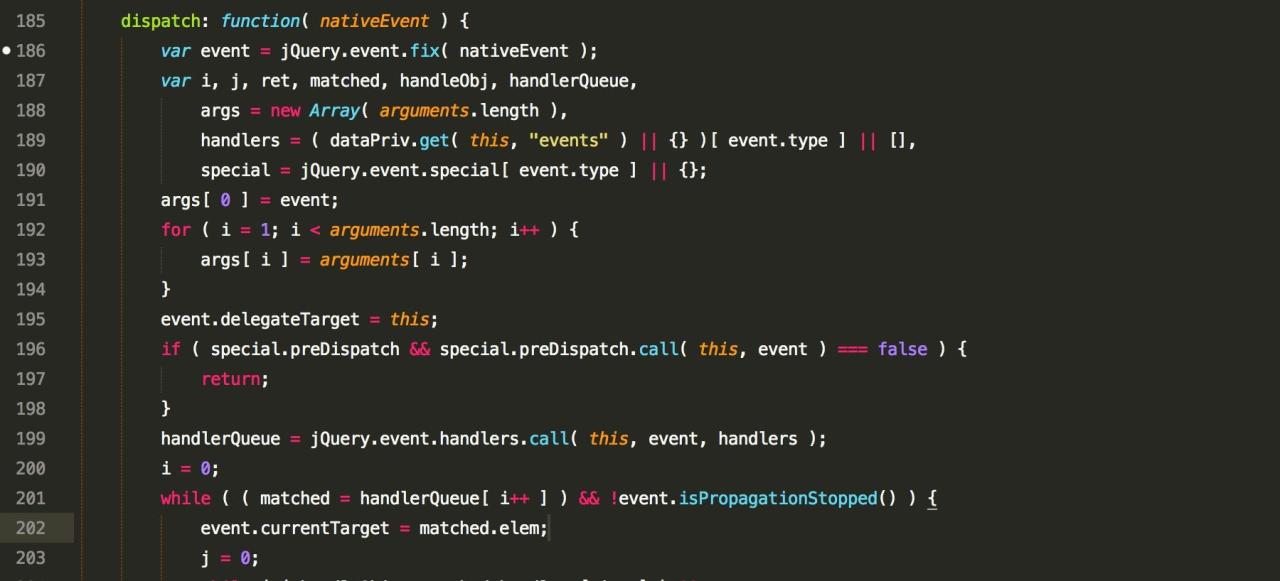
Creating interactive web pages enhances user engagement and provides dynamic experiences that static HTML and CSS cannot achieve alone. JavaScript serves as the primary tool for adding interactivity, enabling developers to respond to user actions, validate inputs, and update content in real time. Mastering these techniques is essential for building modern, responsive websites that meet user expectations.
Implementing interactivity involves understanding event-driven programming, managing user inputs effectively, and dynamically modifying the Document Object Model (DOM). This section guides you through step-by-step procedures for adding click events, validating forms, and updating content seamlessly, along with examples illustrating practical applications of these techniques.
Adding Click Events to Web Elements
Click events are fundamental to creating interactive buttons, links, or any clickable component on a webpage. To add a click event, identify the target element using JavaScript selectors, then attach an event listener that executes a desired function upon user interaction.
- Use the
document.querySelectororgetElementByIdmethod to select the element. - Attach an event listener using
addEventListener('click', function()...). - Define the function to perform actions, such as updating content or changing styles.
Example: Adding a click event to a button that toggles text content:
const btn = document.querySelector('#myButton');
btn.addEventListener('click', () =>
  const displayText = document.querySelector('#displayArea');
  displayText.textContent = 'Button was clicked!';
);
Implementing Form Validation
Form validation ensures that user inputs meet specified criteria before submission, preventing errors and enhancing data quality. JavaScript facilitates real-time validation, providing immediate feedback to users.
- Capture the form element and its input fields.
- Bind a ‘submit’ event listener to prevent default submission if inputs are invalid.
- Check each input’s value against validation rules such as length, format, or required fields.
- Display error messages or highlight fields accordingly.
Example: Validating an email input field:
const form = document.querySelector('#myForm');
form.addEventListener('submit', (e) =>
  const emailInput = document.querySelector('#email');
  const email = emailInput.value;
  const emailPattern = /^[^\\s@]+@[^\\s@]+\\.[^\\s@]+$/;
  if (!emailPattern.test(email))
    e.preventDefault();
    alert('Please enter a valid email address.');

);
Dynamic Content Updates Based on User Input
Updating web page content dynamically creates an engaging user experience by reflecting actions immediately. This involves listening to user events and modifying the DOM elements accordingly.
- Identify the target element for content change.
- Bind an appropriate event listener (e.g., ‘input’, ‘change’, ‘click’).
- Use JavaScript to alter the innerHTML, textContent, or style properties of the element.
Example: Updating greeting message based on user name input:
const nameInput = document.querySelector('#name');
const greeting = document.querySelector('#greeting');

nameInput.addEventListener('input', () =>
  greeting.textContent = `Hello, $nameInput.value || 'Guest'!`;
);
Event Types and Use Cases
Understanding different event types and their applications is crucial for effective interactivity. Below is a table summarizing common JavaScript events with typical use cases:
Event Type Use Case click Trigger actions when a user clicks on buttons, links, or images, such as submitting forms or toggling content visibility. submit Handle form submissions, validate data, and prevent default behavior to implement custom processing. input Respond to real-time changes in input fields, useful for live validation or dynamic UI updates. change Detect when a user modifies form inputs like checkboxes, select options, or radio buttons, often used to trigger dependent UI changes. mouseover Implement hover effects, show tooltips, or highlight elements when the cursor passes over them. keydown / keyup Capture keyboard input for features such as shortcuts, form navigation, or game controls. load Execute scripts once the page or specific resources finish loading, ensuring elements are available before interaction. Learning JavaScript frameworks and libraries for web development
Choosing the right JavaScript framework or library is a significant step in advancing your web development skills. These tools streamline the development process, facilitate the creation of complex and dynamic interfaces, and improve code maintainability. Understanding the purpose and benefits of popular frameworks such as React, Angular, and Vue.js enables developers to select the most suitable technology for their projects, whether they are building a small interactive component or a large-scale enterprise application.
Frameworks and libraries differ in their design philosophy, complexity, and community support. Analyzing these differences helps developers determine which tool aligns with their project requirements, learning capacity, and long-term goals. This knowledge also assists in integrating these tools into existing web projects, allowing for more efficient development workflows.
Purpose and advantages of popular frameworks: React, Angular, Vue.js
React, Angular, and Vue.js are among the most widely used JavaScript frameworks and libraries, each offering unique features tailored to different development needs.
- React: Developed by Facebook, React is a library focused on building user interfaces with a component-based architecture. It emphasizes a virtual DOM for efficient rendering and provides flexibility to integrate with other libraries or frameworks. React’s popularity stems from its simplicity, reusability of components, and extensive ecosystem.
- Angular: Created by Google, Angular is a comprehensive framework that offers a complete solution for building dynamic web applications. It includes built-in features such as two-way data binding, dependency injection, and a modular architecture, making it suitable for large-scale projects requiring robust structure and scalability.
- Vue.js: Originating from Evan You, Vue.js is known for its gentle learning curve and flexibility. It combines the best features of React and Angular, providing reactive data binding and component-based architecture. Vue.js is ideal for developers seeking a lightweight framework that is easy to integrate into existing projects.
Comparative analysis: learning curve and project suitability
Understanding the relative complexity and ideal use cases for each framework helps developers make informed choices aligned with their project scope and skill level.
Framework/Library Learning Curve Project Suitability React Moderate Small to large-scale applications, SPAs, reusable component-focused projects Angular Steep Enterprise-level applications, complex dashboards, large teams requiring structured architecture Vue.js Gentle Prototyping, small to medium projects, incremental adoption into existing projects React’s modularity and extensive community support make it a popular choice for developers willing to invest time in learning, especially for projects requiring dynamic interfaces. Angular’s comprehensive nature demands a steeper learning curve but provides all necessary features out of the box for complex applications. Vue.js offers a balanced approach with a gentle learning curve and flexibility, making it accessible for beginners and suitable for rapid development.
Integrating JavaScript libraries into web projects
Integrating JavaScript libraries involves adding external scripts to your project and utilizing their functionalities through well-defined APIs. This process enhances your website’s features without the need to build functionality from scratch, allowing for faster development.
For example, integrating React into an HTML page can be achieved by including the React CDN links and writing React code directly within script tags or separate files.
<!– Including React and ReactDOM via CDN –> <script crossorigin src=”https://unpkg.com/react@18/umd/react.development.js”></script> <script crossorigin src=”https://unpkg.com/react-dom@18/umd/react-dom.development.js”></script></blockquote>
Once included, you can create React components and render them into your webpage.
<div id="root"></div>

<script>
  const App = () =>
    return React.createElement('h1', null, 'Hello, React!');
  ;

  ReactDOM.render(
    React.createElement(App, null, null),
    document.getElementById('root')
  );
</script>
This example demonstrates the core steps: including the library scripts, defining a React component, and rendering it into a designated DOM element. Similar approaches apply for other frameworks, with their respective setup instructions and APIs. Proper integration ensures seamless functionality and better maintainability of your projects.
Developing a Portfolio Project to Showcase JavaScript Skills
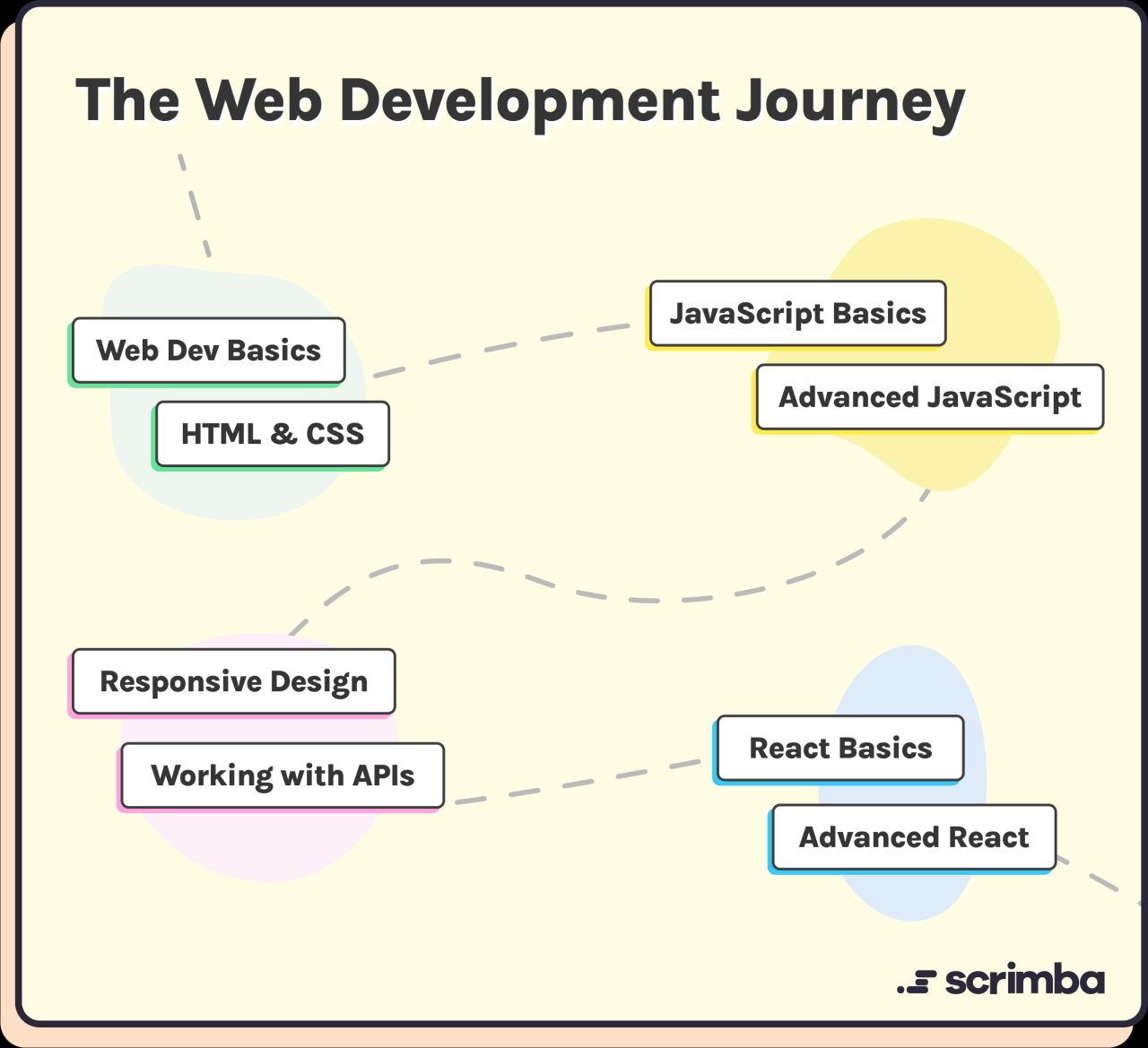
Creating a comprehensive portfolio project is a crucial step in demonstrating your JavaScript proficiency to potential employers or clients. It not only showcases your coding abilities but also highlights your capacity to plan, design, and execute a complete web application. Building an impressive project can serve as a tangible proof of your skills and serve as a foundation for future development endeavors.A well-structured portfolio project allows you to apply foundational JavaScript concepts in a practical context, demonstrating your problem-solving skills and creativity.
It provides an opportunity to learn about project management, user interface design, and working with various technologies and tools within the JavaScript ecosystem. Whether you’re aiming to develop a simple app or a complex interactive platform, the process of creating a portfolio project enhances your understanding and signals your readiness for professional web development roles.
Project Ideas and Planning Procedures
To begin, selecting an engaging and manageable project idea is essential. Here are some popular options:
- A to-do list application that allows users to add, delete, and mark tasks as completed.
- A weather app fetching real-time data from a weather API, displaying current conditions and forecasts.
- A quiz game that presents questions, tracks scores, and provides feedback based on user responses.
These ideas serve as excellent starting points for practicing diverse JavaScript functionalities.The development process involves several key steps:
- Planning: Define the core functionalities, target audience, and scope of the project. Sketch out a basic layout or wireframe to visualize the user interface.
- Designing: Decide on the visual style, user experience flow, and necessary components. Choose color schemes, fonts, and layout structures to ensure clarity and accessibility.
- Implementing: Break down the project into smaller modules or features. Write clean, modular code for each part, such as input handling, data processing, and UI updates.
- Testing: Continuously test the application for bugs and usability issues. Use different devices or browsers to ensure compatibility and responsiveness.
- Refining: Incorporate feedback, optimize performance, and enhance visual appeal. Document your code and prepare the project for deployment or showcasing.
This systematic approach ensures a structured development cycle that results in a professional-quality project.
Sample Project: To-Do List Application
The following table presents an organized overview of a typical to-do list project, illustrating features, technologies used, and expected learning outcomes:
Features Technologies Used Learning Outcomes Adding, editing, and deleting tasks HTML, CSS, JavaScript (DOM manipulation) Understanding event handling, dynamic DOM updates, form processing Marking tasks as completed or pending JavaScript, CSS for visual feedback Implementing class toggling, state management Persisting tasks using Local Storage JavaScript Local Storage API Storing data locally, handling data retrieval and updates Responsive design for various devices CSS Flexbox/Grid, media queries Creating adaptable layouts, enhancing user experience Dark mode toggle JavaScript, CSS variables Implementing theme switching, managing CSS variables dynamically “Building a portfolio project not only consolidates your JavaScript knowledge but also creates a compelling showcase of your capabilities to prospective employers.”
This structured approach, from conception to deployment, will help develop a complete, functional, and impressive project that highlights your proficiency in JavaScript web development.
Resources and tutorials to accelerate JavaScript learning
Mastering JavaScript for web development requires consistent practice and exposure to high-quality learning materials. Utilizing reputable online courses, comprehensive books, interactive platforms, and engaging with community challenges can significantly enhance your skills and deepen your understanding of JavaScript concepts. These resources serve as vital tools in transforming theoretical knowledge into practical expertise, enabling aspiring developers to stay motivated and connected with the broader developer community.
Effective learning is complemented by active participation in coding challenges and community forums. These platforms provide real-world problem-solving experiences, opportunities for peer feedback, and insights into best practices. Incorporating these methods into your learning pathway not only accelerates skill acquisition but also builds confidence and adaptability essential for a successful web development career.
Reputable online courses, books, and interactive platforms
Choosing the right educational resources is crucial for a structured and efficient learning experience. The following list highlights some of the most trusted platforms, books, and interactive tools designed to help learners at diverse levels enhance their JavaScript proficiency:
Resource Name Description Access Link freeCodeCamp An extensive, free platform offering interactive lessons, projects, and certifications in JavaScript and web development, suitable for beginners and advanced learners alike. https://www.freecodecamp.org Mozilla Developer Network (MDN) Web Docs A comprehensive resource providing in-depth documentation, tutorials, and references on JavaScript syntax, features, and best practices curated by Mozilla. https://developer.mozilla.org/en-US/docs/Web/JavaScript Eloquent JavaScript (Book) A highly regarded book that covers fundamental to advanced JavaScript concepts, with practical examples and exercises to reinforce learning. https://eloquentjavascript.net/ Udemy JavaScript Courses Offers a wide range of structured courses on JavaScript, from beginner to expert levels, often including assignments and real-world project work. https://www.udemy.com JavaScript30 A free 30-day challenge focusing on building 30 different projects using vanilla JavaScript, suitable for practical hands-on experience. https://javascript30.com/ Utilizing online coding challenges and community forums
Engaging with online coding challenges and participating in community forums are powerful methods to reinforce JavaScript skills. These activities promote problem-solving, critical thinking, and exposure to diverse coding styles and approaches.
Platforms like HackerRank, Codewars, and LeetCode host a multitude of JavaScript challenges across various difficulty levels, enabling learners to practice algorithms, data structures, and DOM manipulation in real-time. Regular participation not only sharpens coding abilities but also fosters resilience and adaptability when tackling complex problems.
Community forums such as Stack Overflow, Reddit’s r/learnjavascript, and Dev.to provide spaces for troubleshooting, peer support, and sharing insights. Asking questions and contributing solutions helps clarify doubts, learn from others’ experiences, and stay updated with the latest trends and tools in JavaScript development.
Consistent engagement with coding challenges and community discussions accelerates mastery by transforming theoretical knowledge into practical expertise, while also building a supportive network that guides growth and innovation.
Wrap-Up
In conclusion, mastering JavaScript is a vital step toward a rewarding career in web development. By combining foundational knowledge, practical exercises, and continuous resource exploration, aspiring developers can stay ahead in this ever-evolving industry. Embracing a structured learning path will empower you to create dynamic websites and achieve your professional goals with confidence and proficiency.
- Create a new file named